
DT4800 Digital Detector Emulator Software
Control Software for the DT4800 Digital Detector Emulator
Highlights
-
Windows control software for the DT4800 Digital Detector Emulator
-
Pulser-style interface: parameters set via virtual knob, in LSB or in Volt
-
Constant rate, Poisson or external trigger timebase, up to 1 Mcps
-
Fixed amplitude or energy spectrum emulation on 16384 bins
-
Programmable pulse shape (rise time, decay time) and noise (Gaussian white noise, baseline drift)
-
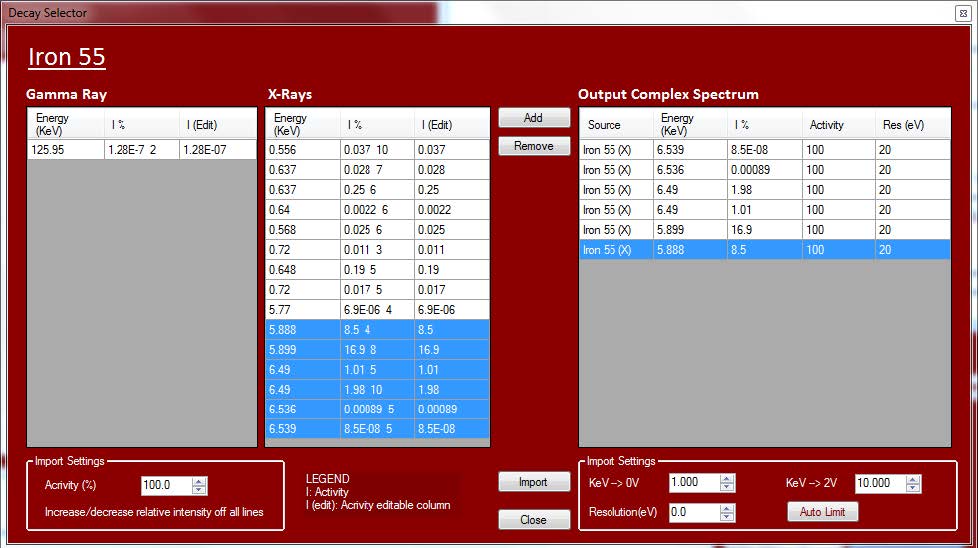
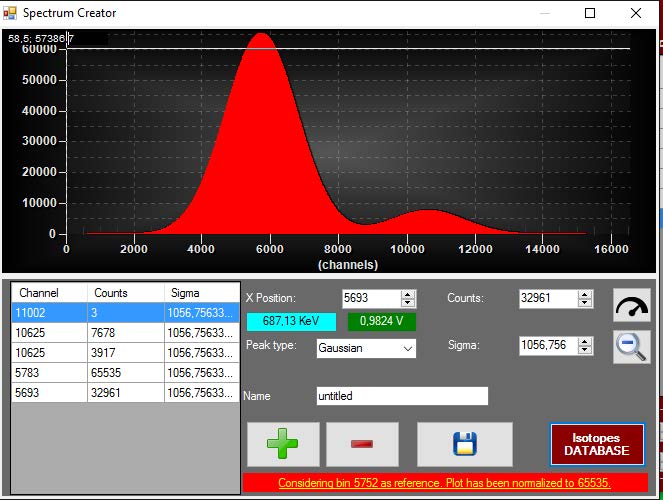
Integrated Isotopes Database and Spectrum Creator
-
Spectrum import from .csv, CAEN .dat, .spectrum and ANSI N42.42 files
-
Two-point energy calibration in keV
-
Real-time view of programmed spectrum, generated spectrum and output signal, with In, Out and Live counters
-
Firmware upgrade directly from the GUI
Overview
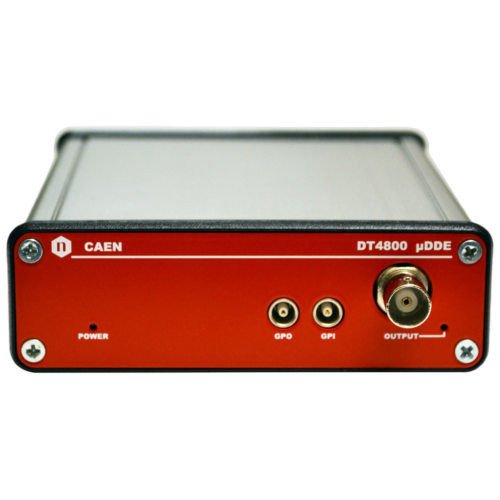
The DT4800 Digital Detector Emulator Software gives full control of the DT4800, the CAEN instrument that generates analog signals reproducing the output of a radiation detector. In the educational lab, it lets students explore detector signals, energy spectra and counting statistics with a fully controlled and repeatable signal, without the risks and regulatory requirements of radioactive sources. The same signal can be used to test and debug pulse processing electronics, digitizers and MCAs.
The interface is organized like a classic pulser, so users familiar with analog pulsers will find it immediately intuitive. Each parameter can be set with a virtual knob, in LSB, or directly in Volt. The pulse amplitude can be fixed or follow an energy spectrum. That spectrum can be imported from file, built line by line in the internal Spectrum Creator, or composed from the integrated Isotopes Database, which lists the gamma and X-ray lines of the elements of the periodic table. A two-point energy calibration lets users work directly in keV, matching the physical source to be emulated.
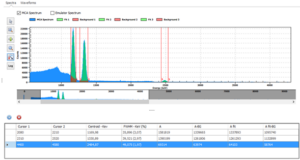
The Plot Window gives a real-time overview of the emulator: the programmed spectrum, the spectrum actually generated, and a preview of the output signal. The input rate, output rate and live time counters show the effect of pile-up and analog stage saturation at a glance.
For combined source emulation and MCA acquisition with the DT5770, see the Emulation Control Software included in the SP5600EMU Emulation Kit.
The DT4800 Digital Detector Emulator Software is used in the experiments developed for the SP5650 Open FPGA Kit, available on the CAEN Educational website. In these experiments the DT4800 provides realistic detector signals. Students can then design and test their own pulse processing algorithms on the DT1260 Open FPGA digitizer, with no radioactive source and no detector. The Digital Pulse Processing (Open FPGA) series guides users step by step from a simple threshold discriminator with event counter to amplitude measurement via peak detection, charge integration, trapezoidal filtering with a fully integrated MCA, and pulse shape discrimination. Many gamma spectroscopy experiments on edu.caen.it are also available in a version for the SP5650. Browse the full list of experiments to find the ones that best fit your course.
|
Signal Generation |
Spectrum Tools |
Monitoring & Control |
|---|---|---|
|
Emulation timebase: constant rate, Poisson distribution or external trigger, up to 1 Mcps |
Spectrum import from .csv, CAEN .dat, .spectrum and ANSI N42.42 (.xml) files |
Plot Window with Input Spectrum, Realtime Spectrum and Realtime Signal tabs |
You also may be interested in…
Request a Quote

Compare

|
Image
|
Name
|
Type
|
Platform
|
Supported Kits
|
Notes
|
|
|
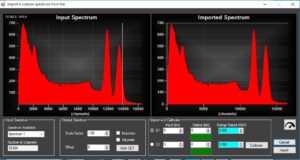
DT4800 Digital Detector Emulator Software |
Software |
Desktop, Windows |
SP5650 |
Control and configuration of the DT4800 unit. USB connection. |
|
|
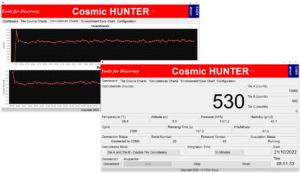
Cosmic Hunter Software |
Software |
Windows |
SP5620CH |
The kit can also run stand-alone: on-module controls, data saved to SD card. USB connection. |
|

|
RockyRAD APP |
App (Google Play) |
Android 11+ |
SP5660 |
Rocks and minerals, CPM / dose display. Bluetooth connection. |
|

|
GammaEDU APP |
App (Google Play) |
Android 11+ (tablet included) |
SP5640 |
Field spectra with GPS tagging and maps, .kmz export for Google Earth. Bluetooth connection. |
|
|
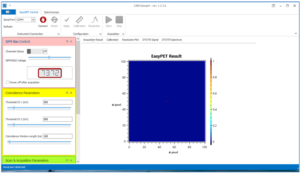
EasyPET Control Software |
Software |
Windows (Visual Basic GUI) |
SP5700, SP5701 |
Real-time PET image reconstruction. Spectrum acquisition and analysis. USB connection. |
|
|
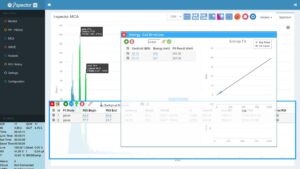
i-Spector Web Interface |
Web Interface |
Windows/Linux |
SP5630EN, SP5630ENP |
Live spectrum, peak fitting, data download. Ethernet connection. |
|
|
Emulation Control Software |
Software |
Windows |
SP5600EMU |
Instrumentation managements, source emulation and pulse processing. |
|

|
New HERA |
Software |
Windows (LabVIEW-based) |
SP5600E, SP5600C, SP5600D, SP5600AN |
Statistics, SiPM, γ and β spectroscopy, cosmic rays. Instrumentantion management, data analysis and data download. USB connection. |
Footer