
Cosmic Hunter Software
Control and Acquisition Software for the SP5620CH Cosmic Hunter Kit
Highlights
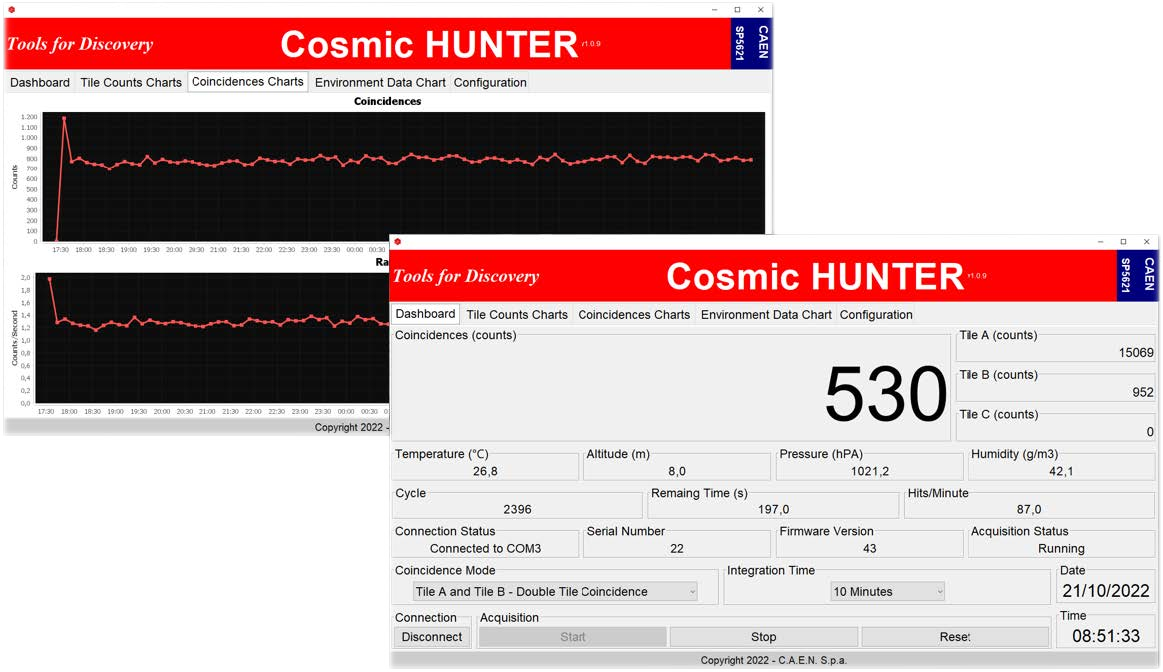
Cosmic Hunter Software is the Java-based graphical interface for the SP5620CH Cosmic Hunter educational kit. It lets students and teachers control the SP5621 Coincidence Module from a PC, follow cosmic ray counts and environmental parameters in real time, and record the data for offline analysis.
Overview
Cosmic Hunter Software gives full software control of the SP5621 Coincidence Module, the core of the SP5620CH Cosmic Hunter kit. Through a simple tab-based interface, the user can set the acquisition parameters, start and stop the measurement, and watch the results in real time. The software performs the same operations available on the module front panel, with charts and data logging added.
The Dashboard brings everything together in one window: coincidence counts, the counts of each scintillating tile, environmental readings, and the device and acquisition status. Dedicated chart tabs plot the time trend of each measurement, and the Configuration tab handles data saving, altitude calibration, and date/time synchronization between the module and the PC.
The Cosmic Hunter kit is supported by a series of guided experiments available on the CAEN Educational website. Each guide explains the physics, the setup and the expected results. The Cosmic Hunter Software makes these experiments easier to carry out and analyze: counts and environmental data are recorded automatically in .csv format, even over acquisitions lasting days or weeks, ready for offline analysis. Examples include the estimation of random coincidences, the measurement of detection efficiency, the observation of cosmic showers, the absorption of cosmic rays through solid matter, and the monitoring of solar activity through the cosmic flux. Browse the full list of cosmic rays experiments on edu.caen.it to find the ones that best fit your course.
|
Measure |
Visualize |
Record |
|---|---|---|
|
Seven coincidence modes: single (Tile A, B or C), double (A&B, A&C, B&C) and triple (A&B&C) tile coincidence |
Dashboard with coincidence counts, single-tile counts, hits per minute, cycle number and remaining time |
Data saving in .csv format, compatible with Excel, OpenOffice and other spreadsheet tools |
You also may be interested in…


Request a Quote

Compare

|
Image
|
Name
|
Type
|
Platform
|
Supported Kits
|
Notes
|
|
|
DT4800 Digital Detector Emulator Software |
Software |
Desktop, Windows |
SP5650 |
Control and configuration of the DT4800 unit. USB connection. |
|
|
Cosmic Hunter Software |
Software |
Windows |
SP5620CH |
The kit can also run stand-alone: on-module controls, data saved to SD card. USB connection. |
|

|
RockyRAD APP |
App (Google Play) |
Android 11+ |
SP5660 |
Rocks and minerals, CPM / dose display. Bluetooth connection. |
|

|
GammaEDU APP |
App (Google Play) |
Android 11+ (tablet included) |
SP5640 |
Field spectra with GPS tagging and maps, .kmz export for Google Earth. Bluetooth connection. |
|
|
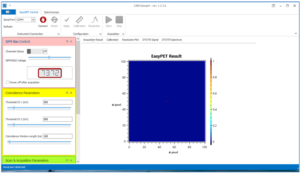
EasyPET Control Software |
Software |
Windows (Visual Basic GUI) |
SP5700, SP5701 |
Real-time PET image reconstruction. Spectrum acquisition and analysis. USB connection. |
|
|
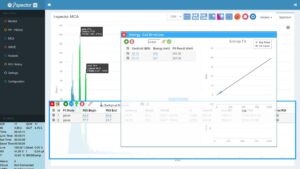
i-Spector Web Interface |
Web Interface |
Windows/Linux |
SP5630EN, SP5630ENP |
Live spectrum, peak fitting, data download. Ethernet connection. |
|
|
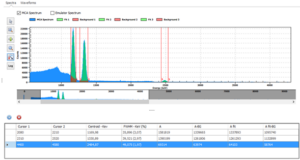
Emulation Control Software |
Software |
Windows |
SP5600EMU |
Instrumentation managements, source emulation and pulse processing. |
|

|
New HERA |
Software |
Windows (LabVIEW-based) |
SP5600E, SP5600C, SP5600D, SP5600AN |
Statistics, SiPM, γ and β spectroscopy, cosmic rays. Instrumentantion management, data analysis and data download. USB connection. |
Technical Specifications
|
Supported Comm. Interface |
USB |
|
Supported Modules |
SP5621 (SP5620CH Cosmic Hunter) |
|
Supported Operating Systems |
Windows |
Footer