
WaveDump
Readout Application for CAEN Digitizer 1.0
Highlights
-
Console-based application for waveform acquisition and real-time display
-
Multi-channel waveform visualization
-
Advanced board configuration mode::
-
Global board settings
-
Individual threshold and DC offset adjustment
-
ADC calibration required by 725, 730, and 751 Digitizer families
-
-
Advanced mathematical processing: amplitude spectra and FFT analysis
-
Support for 742 board configuration and DRS4 chip corrections
-
Family-specific function settings (e.g., Decimation for 724 and 740 series)
-
Data export in multiple formats: ASCII and binary
-
Open-source C code with Visual Studio project — freely available to developers
Overview
WaveDump is a console-based readout application designed for CAEN digitizers 1.0 running Waveform Recording firmware. It enables users to configure a single digitizer board through a plain-text configuration file — specifying parameters and acquisition instructions — and to start or stop data taking at any time. During operation, WaveDump displays readout information and trigger rates in real time, allowing immediate verification of the acquisition status. Beyond basic acquisition control, WaveDump offers integrated post-processing capabilities, including FFT analysis and amplitude histogram generation. Acquired data can be saved in ASCII or binary format for offline analysis, and waveforms can be plotted graphically through the Gnuplot third-party utility (www.gnuplot.info).
WaveDump also serves as a well-structured reference implementation in C, demonstrating best practices for interfacing with CAEN libraries and building efficient readout pipelines. It is an ideal starting point for developers who wish to create custom acquisition software tailored to the full capabilities of their digitizer hardware. Source files and the Visual Studio project are available for free download.
NOTE: WaveDump does not support DPP (Digital Pulse Processing) firmware.
|
Supported Operating Systems: |
Windows, Linux |
|
Language: |
C |
|
Supported Products: |
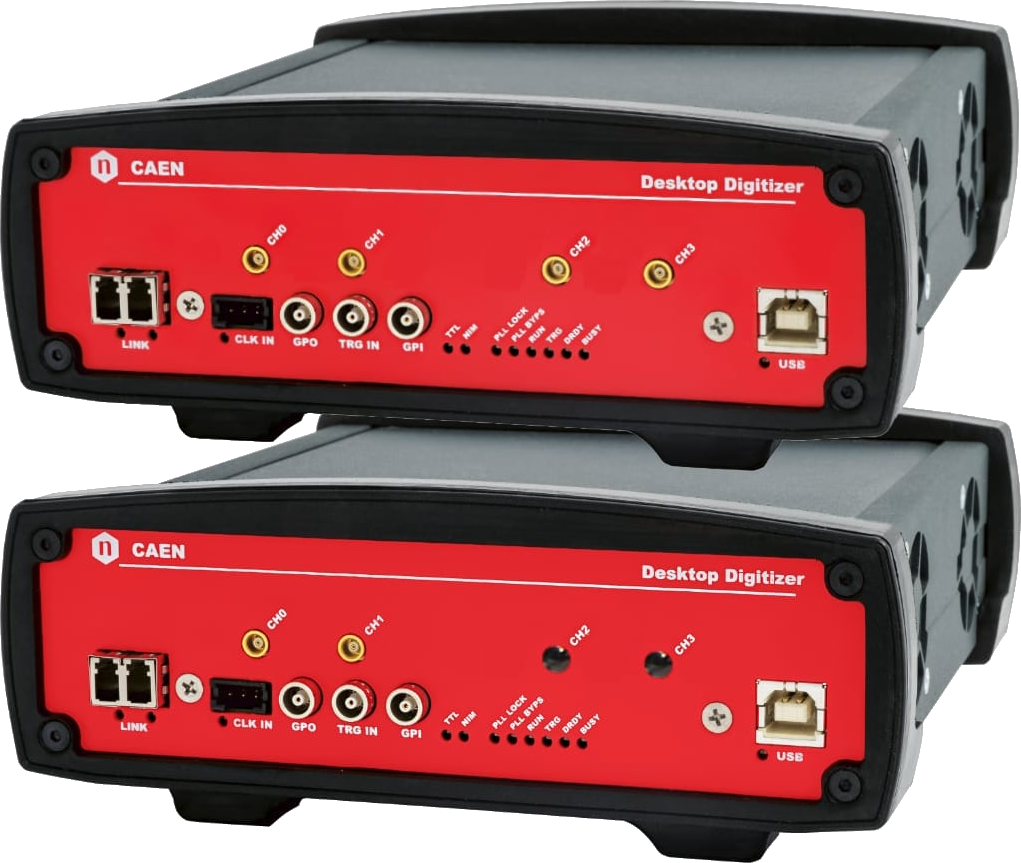
Digitizer 1.0 in VME, NIM, and Desktop form factor |
|
Communication Interfaces: |
USB, Optical Link, Ethernet, VME |
|
Required Dependencies: |
CAENDigitizer, CAENComm, CAENVMELib, Gnuplot (Linux only) |
Applications
-
Signal inspection and waveform recording
-
Research and development of detector prototypes
-
Data collection for offline statistical analysis
-
Beam monitoring
-
Sensor readout and detector performance characterization
-
Lida
You also may be interested in…
DT5720
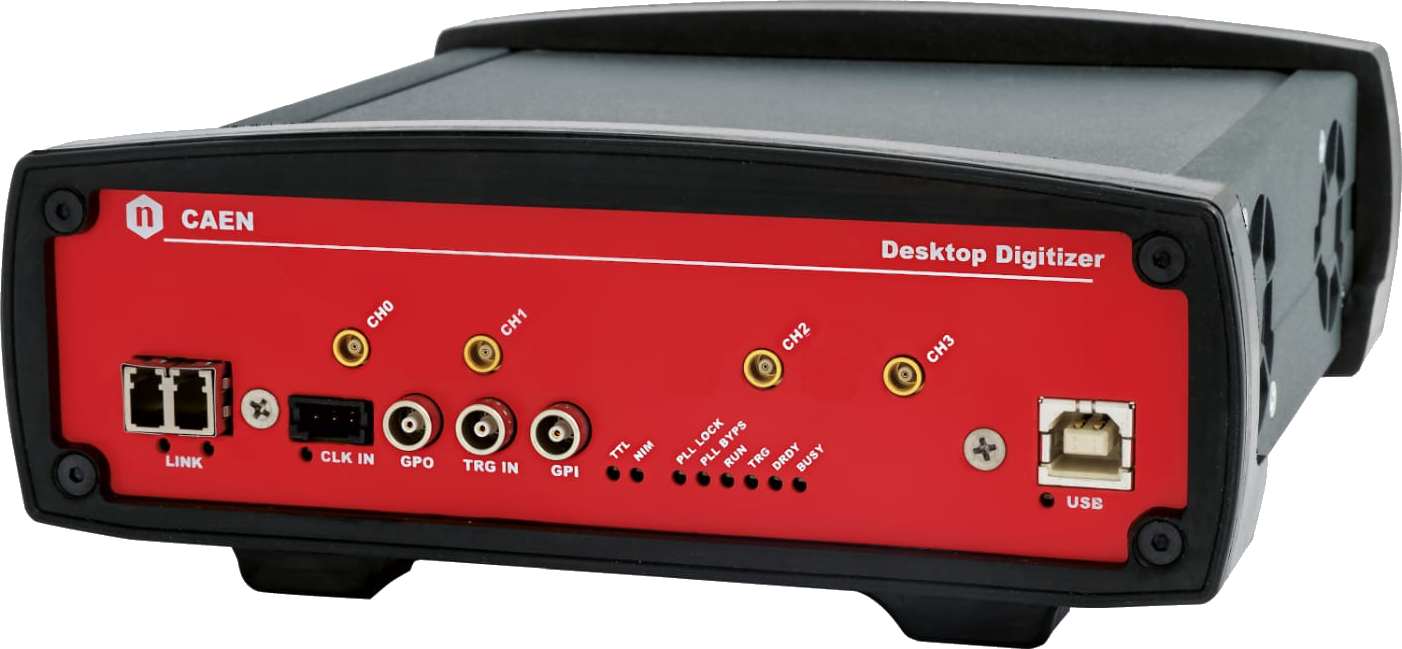
DT5724
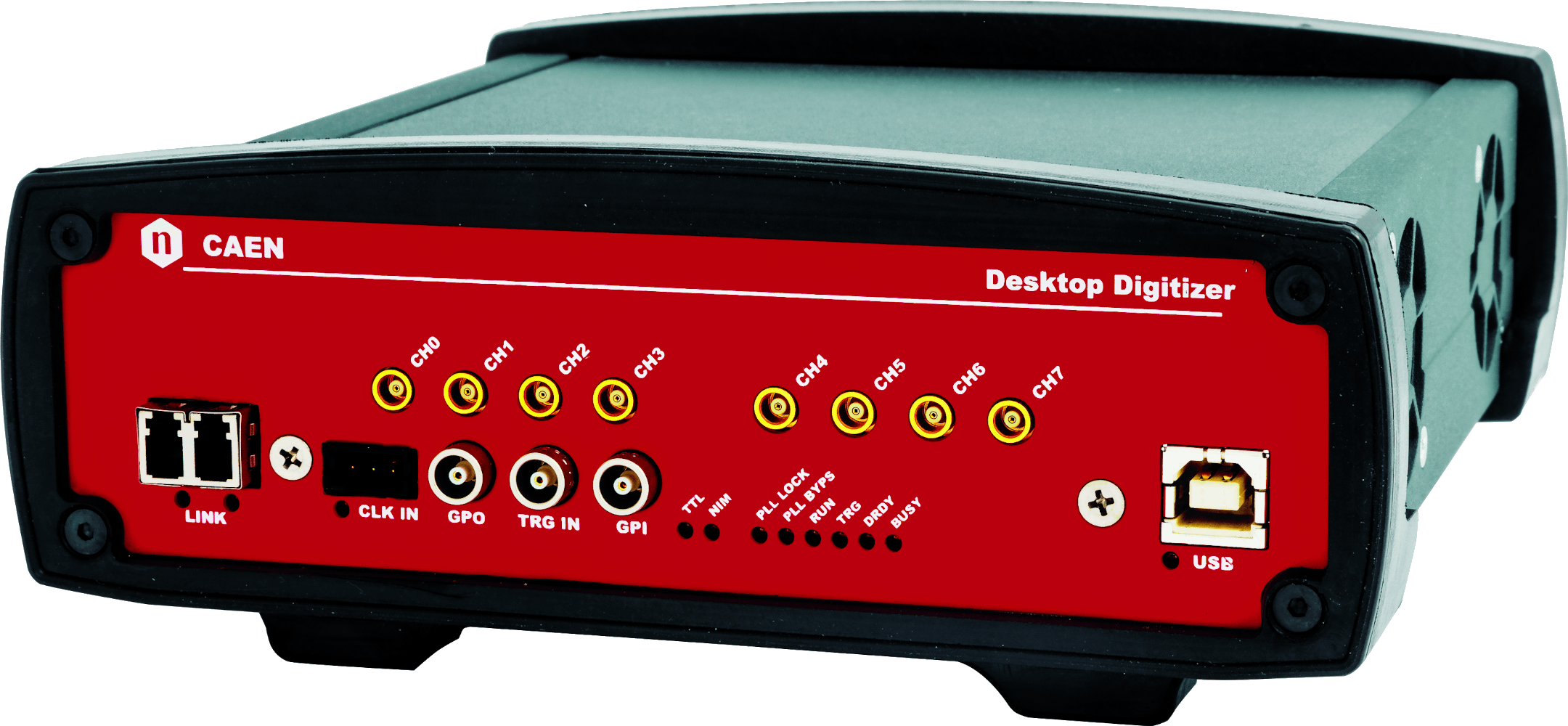
DT5725 / DT5725S
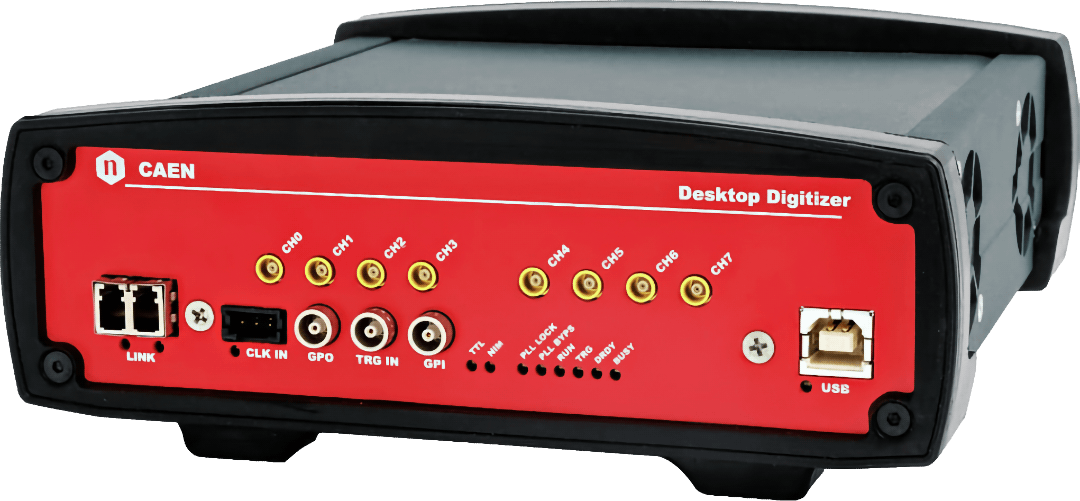
DT5730 / DT5730S
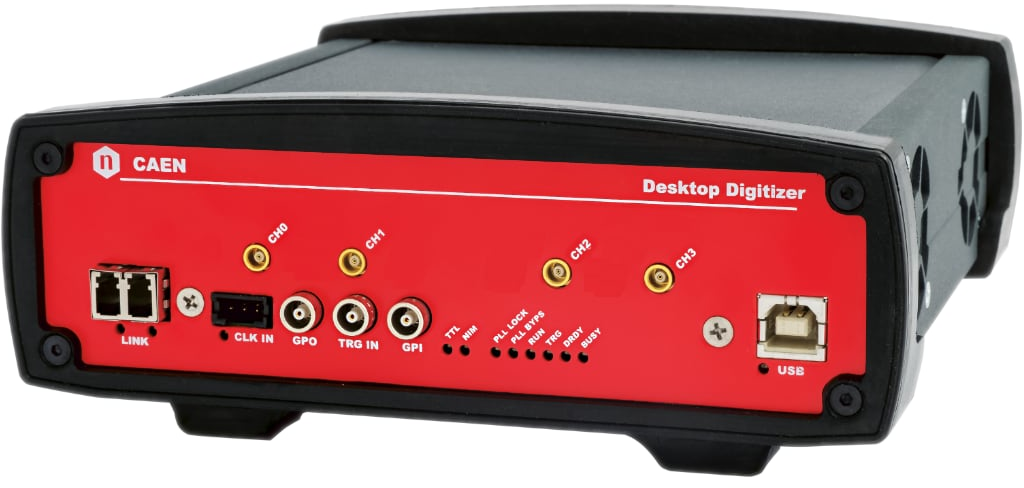
DT5751
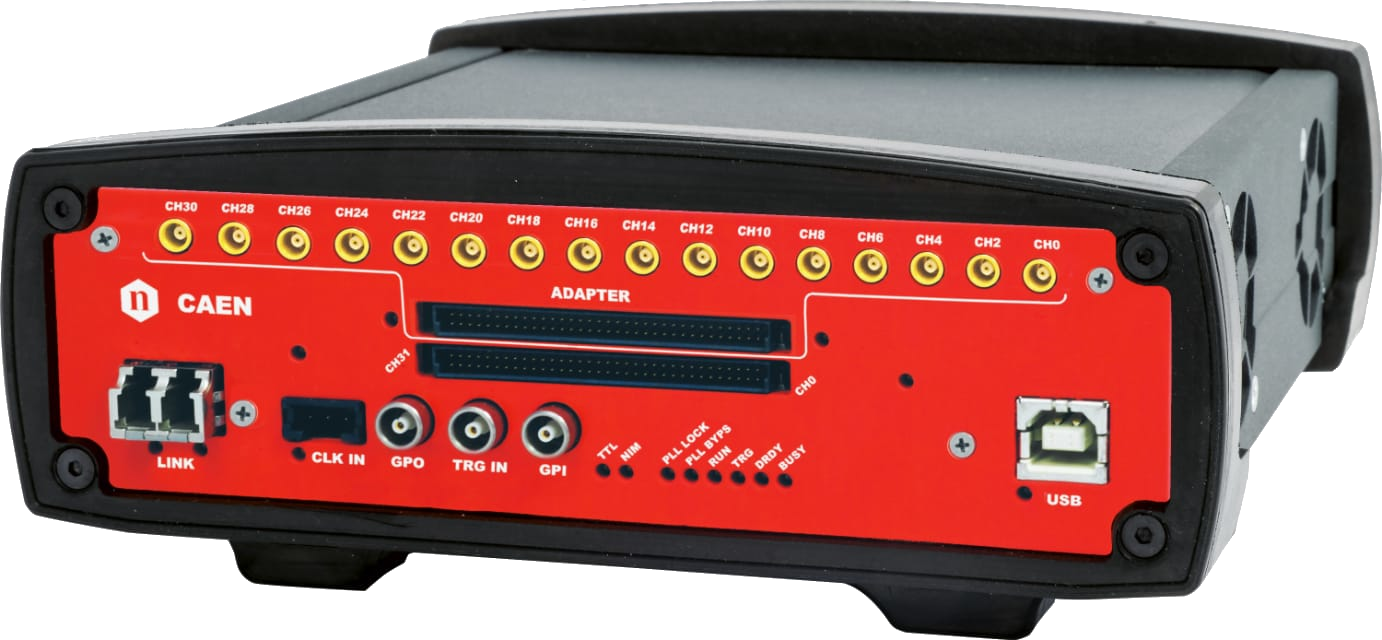
DT5740
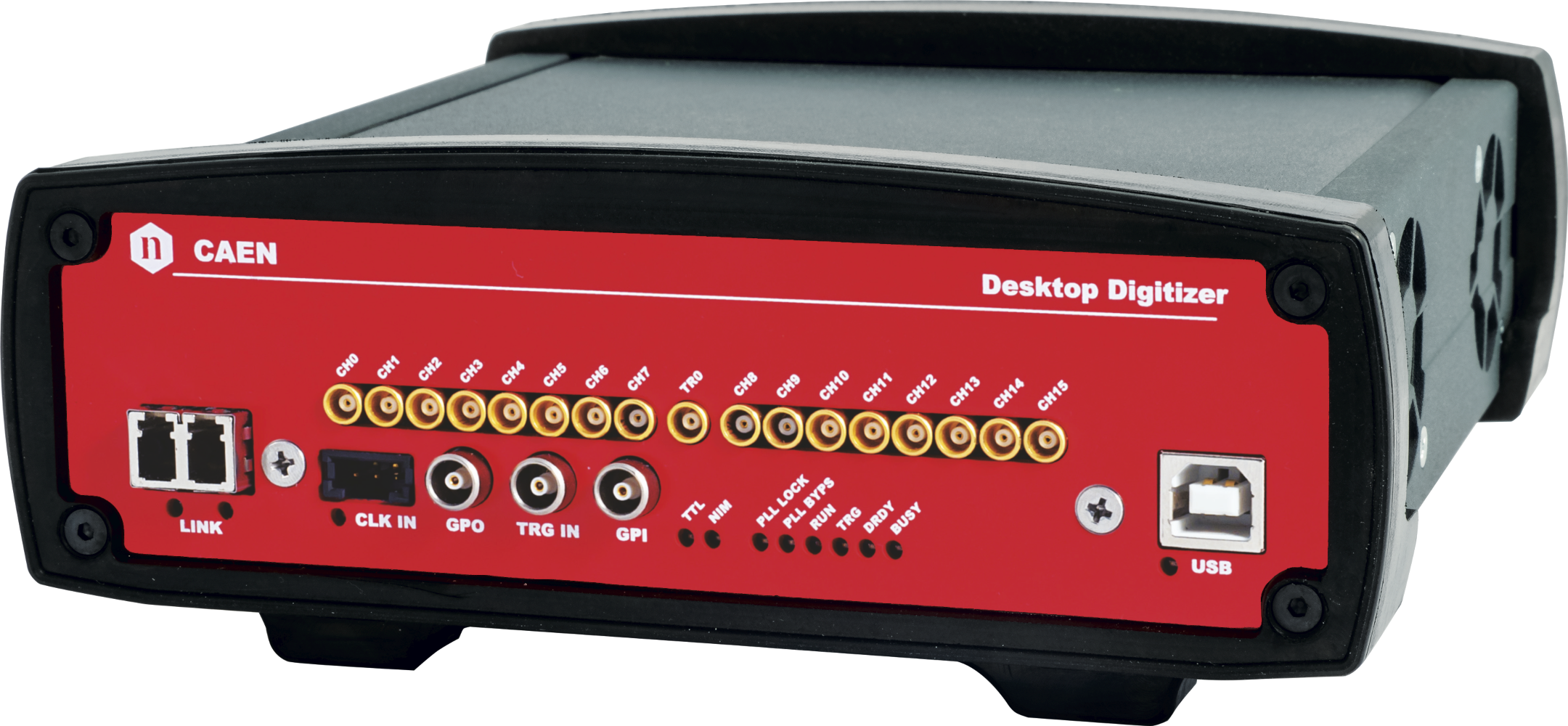
DT5742
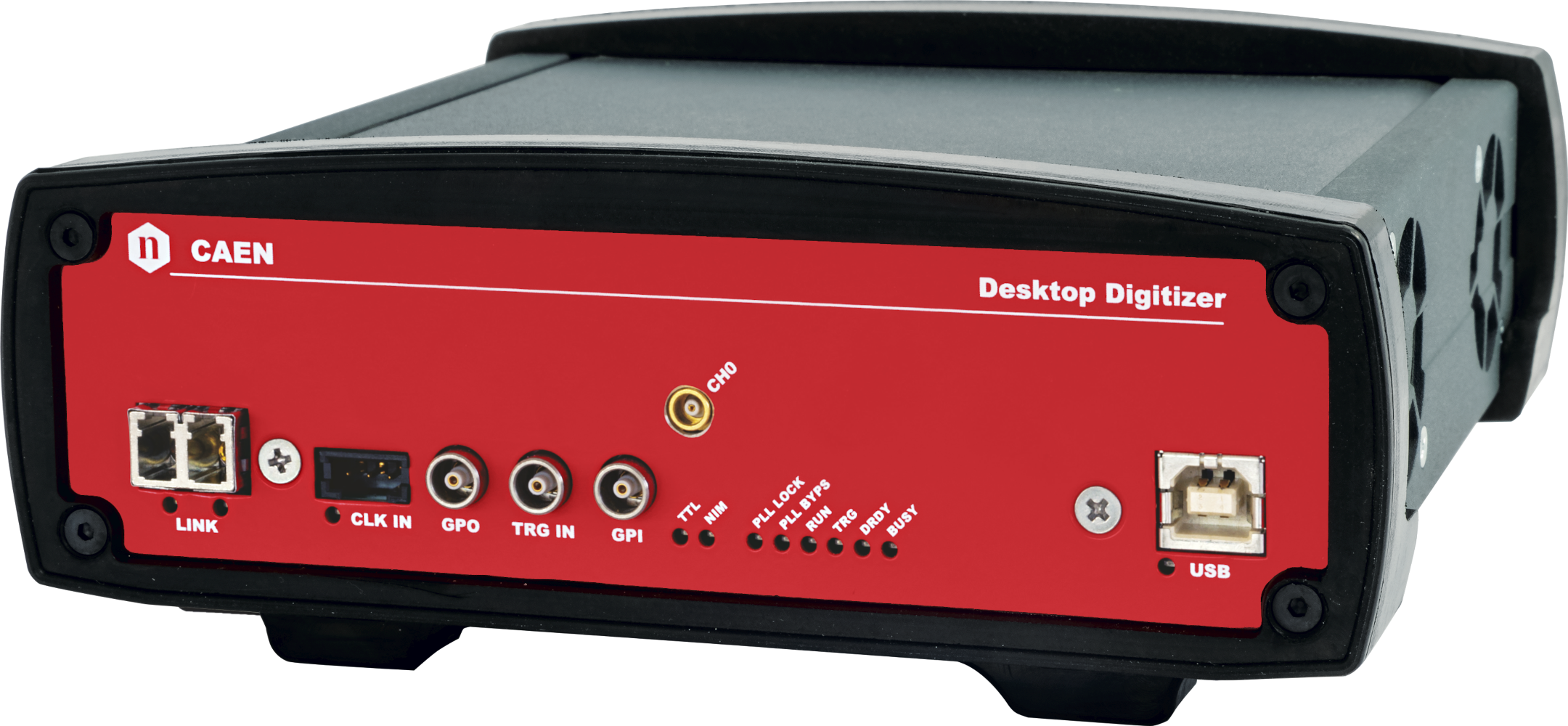
DT5761
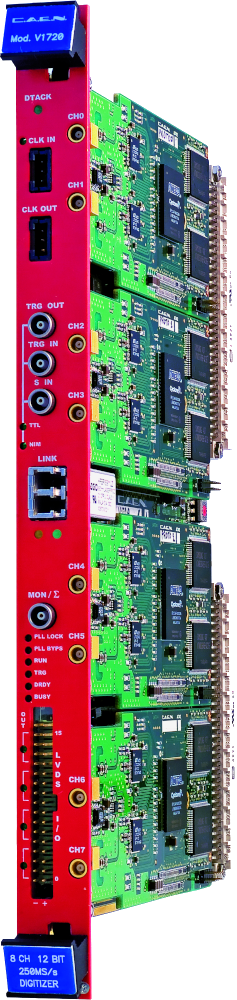
V1720
V1724
V1725 / V1725S

V1730 / V1730S
DT5740D
V1742
V1751
V1761
VX1720
VX1724
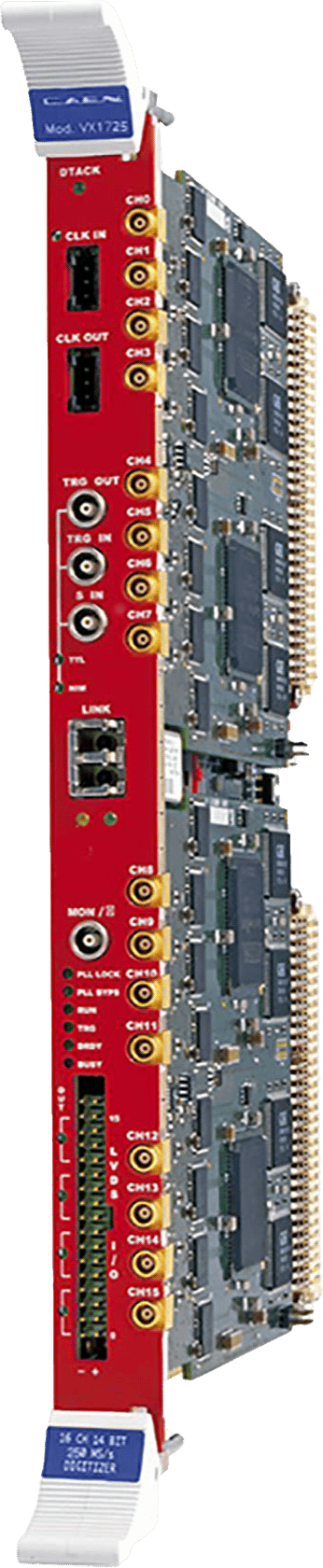
VX1725 / VX1725S
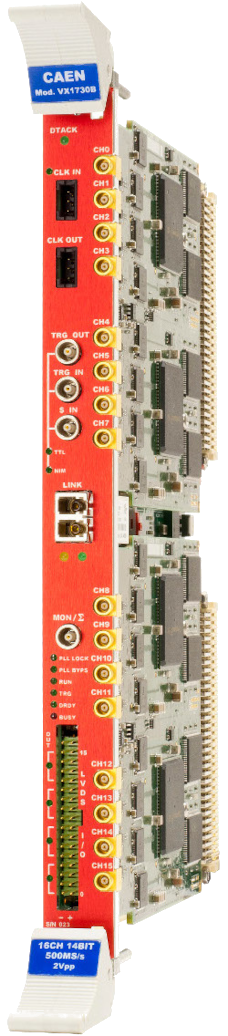
VX1730 / VX1730S
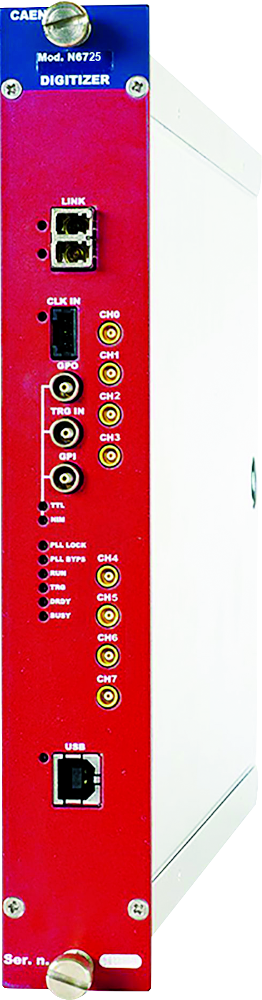
N6725 / N6725S
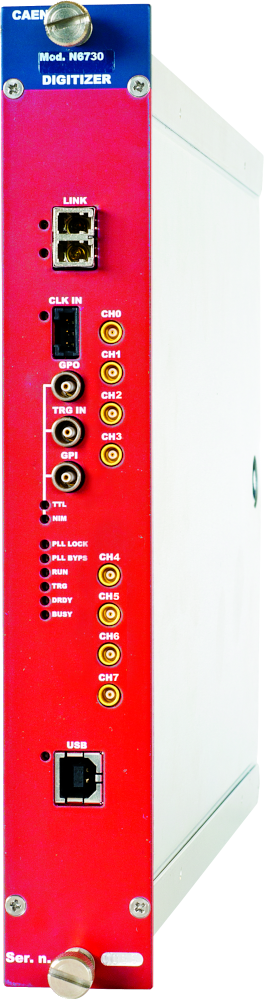
N6730 / N6730S
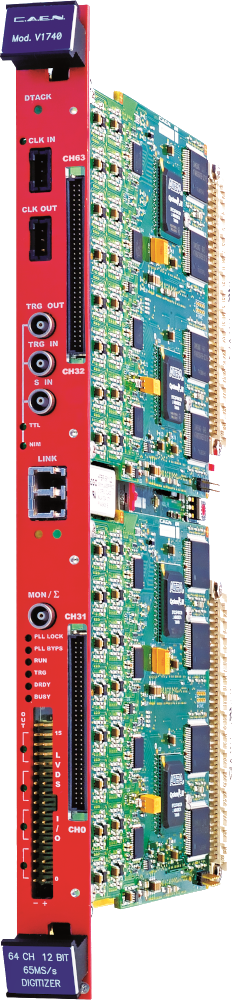
V1740
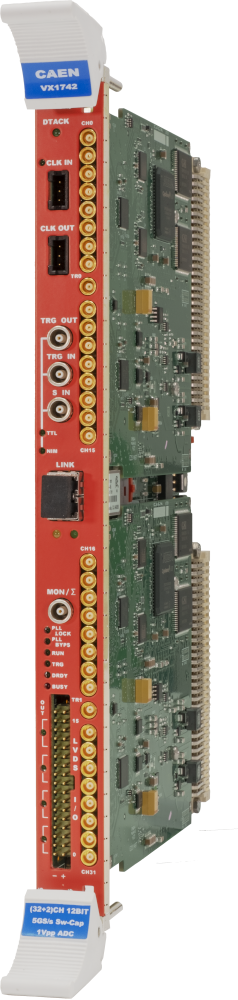
VX1742
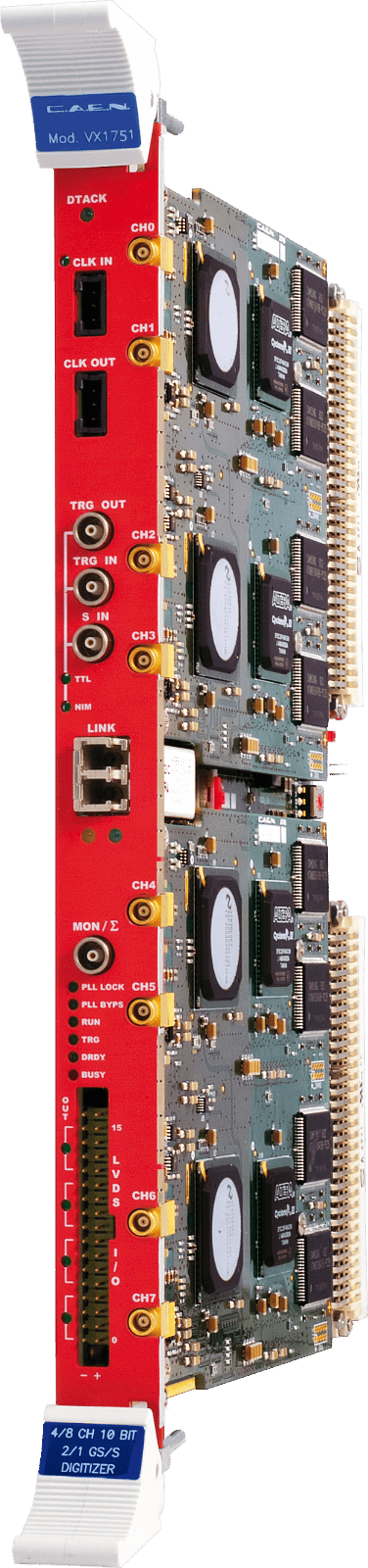
VX1751
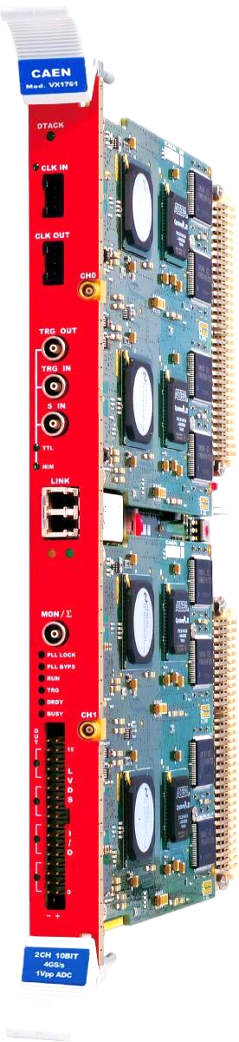
VX1761
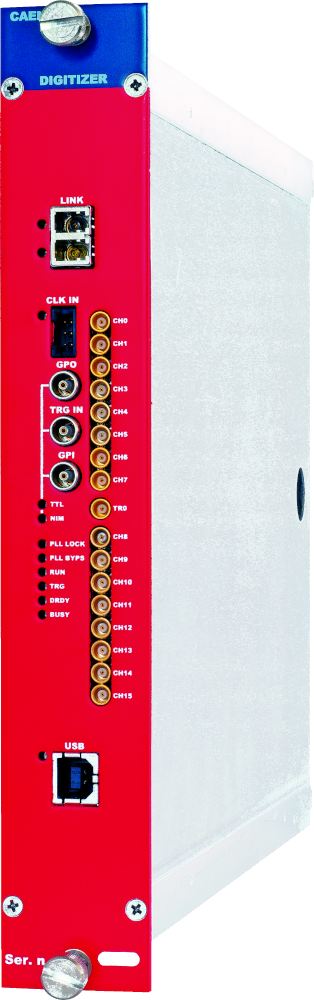
N6742
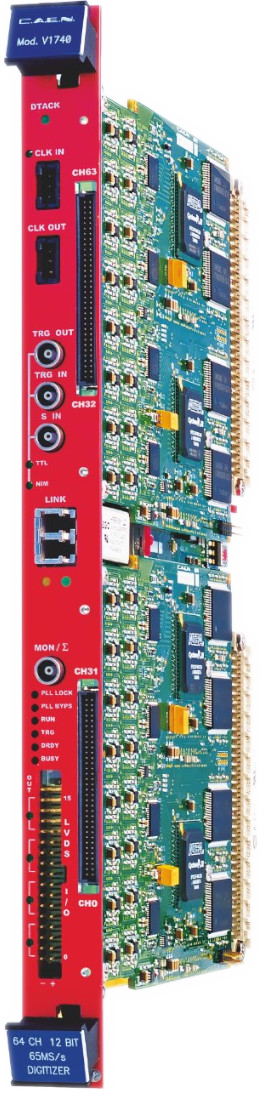
V1740D
VX1740
VX1740D
Request a Quote

Compare

|
Image
|
Name
|
Description
|
Supported Comm. Interface
|
Supported Products
|
Supported Operating Systems
|
Features
|
|
|
MC²Analyzer |
Graphical software tool for digitizers running DPP-PHA firmware |
USB, Ethernet |
Hexagon, Gamma Stream, DT5770 |
Windows |
- |
|
|
CAENSCOPE |
Digitizer Software for Signal Inspection and Waveform Recording (New Version) |
USB, Optical Link, VME |
720, 724, 730, 751 Digitizer families |
Windows, Linux |
GUI application for 7xx digitizers running Waveform Recording firmware (D-WAVE) |
|
|
WaveDump |
CAEN Digitizer readout application |
USB, Optical Link, Ethernet, VME |
720, 724, 725S, 730S, 740, 740D, 742, 751, 761 Digitizer Families |
Windows, Linux |
Basic console application for 7xx digitizers running Waveform Recording firmware (D-WAVE) |
|
|
Quantus |
Quantitative Spectrometry Software |
USB, Ethernet |
Hexagon |
Windows, Linux |
High performance software to make Quantitative Spectrometry with Hexagon digital MCA |
|
|
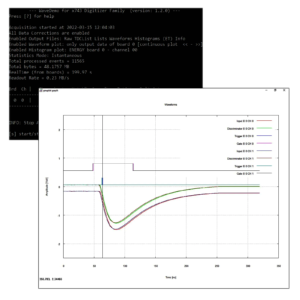
New WaveDemo x743 |
CAEN x743 Digitizer Readout Application |
USB, Optical Link, VME |
743 Digitizer Family |
Windows, Linux |
Basic Console application exclusive for x743 CAEN digitizers |
|
|
COMPASS |
Multiparametric DAQ Software for Physics Applications |
USB, Optical Link, VME |
720, 724, 725S, 730S, 740D, 751, 2740, 2745, 2730 Digitizer families<br>780, 781, 782 MCA families<br>DT5790 |
Windows, Linux |
DAQ software for 7xx / 27xx digitizer families (running the DPP-PSD, DPP-QDC, DPP-PHA), 78x MCA families and Pulse Processor DT5790 |
|
|
New JANUS |
FERS-5200 DAQ software |
USB, Ethernet |
A5202, DT5202, A5203, DT5203, DT5215 |
Windows, Linux |
Open source software for the control and readout of FERS boards |
|
|
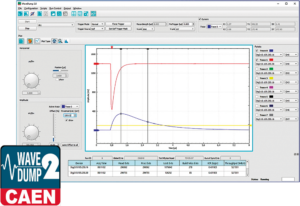
New WAVEDUMP2 |
Readout Application for Digitizer 2.0 |
USB, Ethernet |
725, 730, 740, 745, 751 Digitizer families |
Windows, Linux |
GUI application for 27xx digitizers running Scope firmware (D-WAVE) |
|
|
WAVECATCHER |
Oscilloscope Tool for 743 digitizer family |
USB, Optical Link, VME |
743 Digitizer family |
Windows |
GUI application exclusive for x743 CAEN digitizers |
Footer